

A program can contain familiar code numbers and still behave differently on another machine. The useful G code vs M code distinction is that G codes commonly select motion and machining modes, while M codes commonly control auxiliary functions or program actions. That is a practical starting description, not a complete universal definition for every controller.
The actual meaning comes from the machine and control documentation, active modes and configuration. A motion command may depend on an offset established earlier, while an auxiliary command can alter the physical state needed for the next movement. This guide focuses on reading those dependencies and verifying the complete operation rather than offering a supposedly universal list of executable codes.
What distinguishes G code vs M code in a review?
Read function and state, not just the code letter.
G codes commonly define motion or machining modes, while M codes commonly control auxiliary actions; confirm each command’s meaning, persistence and timing in the actual machine documentation.
Examples in a Haas mill context include positioning and interpolation within the mill G code list, and spindle or program related actions within the mill M code list. The documentation groups functions and identifies behavior for that control. It should not be treated as proof that another machine implements the same options or timing.
During review, ask what must be true before the command and what will be true afterward. A spindle action and a feed move belong to different categories, yet they are linked in the process. The letter does not tell the reviewer whether a command is safe at that point, whether it remains active or whether the installed machine supports the requested function.
Ask whether an auxiliary action has a physical interlock or completion condition. A recognized command number does not prove that the required machine state exists before the next operation begins.
Modal behavior across blocks
Modal behavior means a selected state can remain active across subsequent blocks until changed by an appropriate command. This is why a line containing only coordinates can still move a machine under a previously selected mode. Some functions are not modal or have a more limited scope, so read the specific documentation rather than treating every code alike.
Track active groups through the program, especially units, positioning, plane, feed mode, compensation and cycles where applicable. Haas’s basic mill programming manual explains how blocks and operating modes work within its system. A reviewer should identify inherited state, not simply check that every line appears syntactically plausible.
An edit can affect later blocks even when they are unchanged. For example, changing a positioning mode can alter the meaning of the next coordinate sequence. Removing an auxiliary action may leave the physical setup unsuitable for a later operation. Review the downstream effect of a change and the conditions at optional stops, subprogram boundaries and restart points.
A mode table should follow all relevant program branches. Reviewing only the main path can miss a state inherited differently after an optional block or alternate subprogram return is executed.
Controller specific meanings
Machine type matters as much as the control brand. A code number used for one function on a mill may have another purpose on a lathe, and machine builder options can add or modify auxiliary behavior. Use the actual model’s manual and configuration, not a search result that lists a familiar code number.
Haas’s lathe programming documentation provides an example of why milling and turning references should remain distinct. Options, spindle arrangements, driven tools and additional axes can create dependencies absent from a simpler machine. Do not assume that an unused function on one setup is harmless on another.
When a program is transferred, review the postprocessor, supported functions, tool change behavior, offsets and auxiliary sequencing. A successful text import or absence of an immediate syntax alarm does not establish a correct operation. Mark machine specific commands in the review record so that future editors know which behavior must be revalidated rather than copied unchanged into a different manufacturing environment.
Keep machine builder documentation with the control reference where custom functions exist. A standard control manual may not describe every installed clamping, automation or auxiliary device on that machine itself.
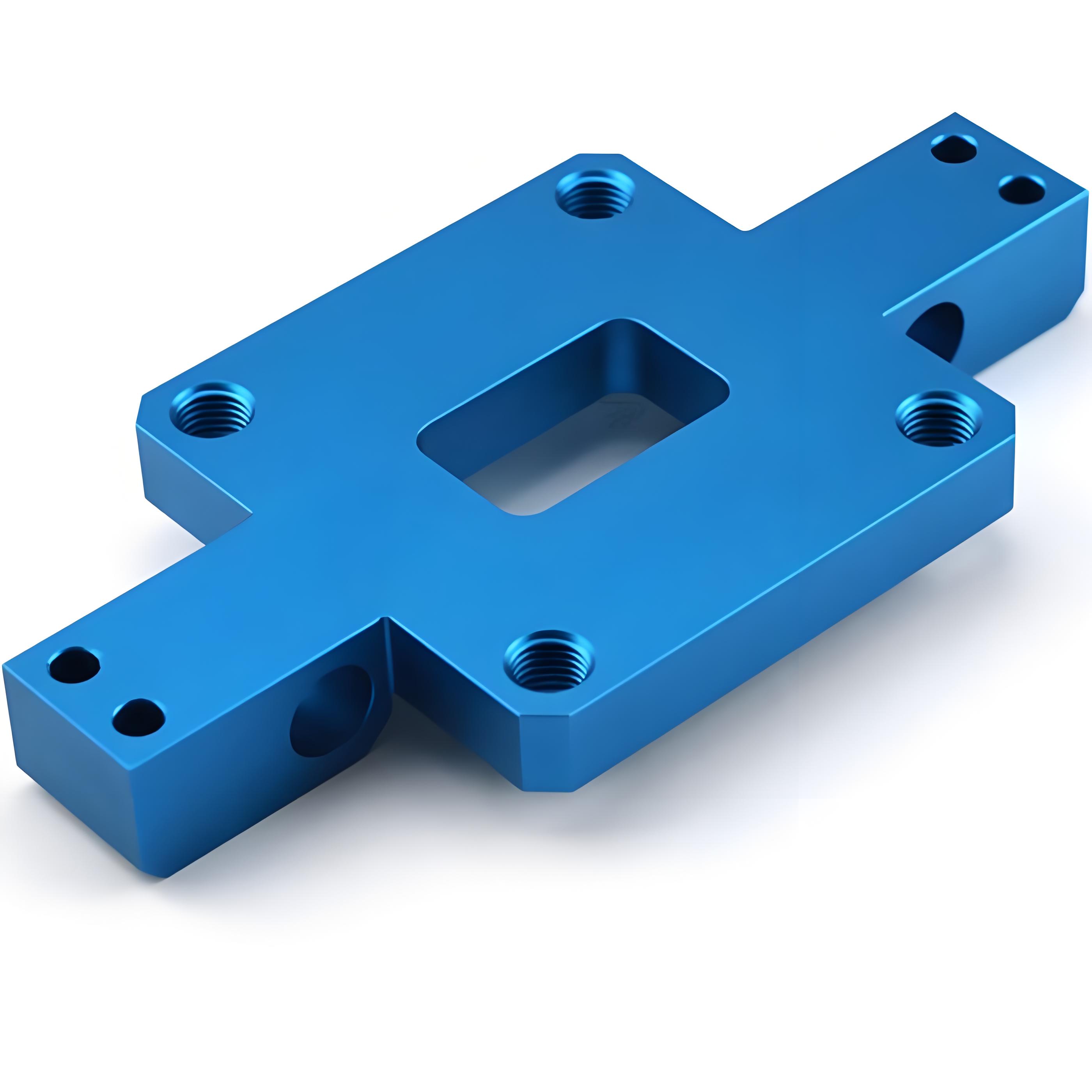
Verify a program against the machine manual
Use a verified manual reference for each function that matters to the operation. Check the code’s purpose, required parameters, permitted combinations, timing and any notes for the installed machine. For auxiliary functions, determine whether the command completes before later motion or requires a documented synchronization or confirmation.
Do not convert the review into an unqualified list of safety codes. A block copied from another program can cancel a necessary state or start an unexpected action. The appropriate initial state must be defined for the actual process, tool and fixture. Follow the machine owner’s procedures and the manufacturer’s machine safety instructions during physical prove out.
For milling process planning, keep the released part requirements separate from the machine specific implementation. The drawing may specify a pocket or hole pattern, but it does not prescribe every controller action needed to produce it. Program approval should therefore include the actual setup and postprocessed output, not only the CAD geometry.
Check that the reviewed manual applies to the installed software and options. A later documentation example can describe behavior that is unavailable or configured differently on an older setup in use.
Units and controller compatibility checklist
A compatibility checklist should make hidden assumptions visible before a program reaches a different machine. Use it alongside the control manual and setup sheet. Record unresolved items rather than interpreting a familiar letter or number as an automatic match.
| Check | Evidence to compare | Reason |
|---|---|---|
| Machine type and options | Actual configuration and manual | Code meaning and supported functions may differ |
| Units and feed modes | Program state and tool calculations | Same number can represent a different quantity |
| Coordinates and compensation | Work offsets, tools and transformations | Motion depends on the active reference chain |
| Auxiliary actions | Spindle, coolant, clamping and sequencing | Physical state must suit the next operation |
| Restart and subprograms | Entry and exit conditions | Inherited state may differ from a full run |
For multi-axis work, include the additional reference and kinematic assumptions in the same review. A generic three-axis code example cannot validate a transformed or rotary operation simply because its first few blocks look similar.
For a transferred program, identify unsupported commands explicitly. Replacing them with similarly named functions requires a behavior review, not simply a text substitution that passes a syntax check afterward.
Worked calculation or annotated toolpath example
Consider a hypothetical coordinate review in millimeters with no changing offsets. The intended pattern has X destinations of 10, 20 and 30 in a fixed work coordinate system. Under an absolute positioning interpretation, those values describe the three intended locations.
Under an incremental interpretation starting from X0, the same numerical sequence would accumulate to X10, X30 and X60. The arithmetic is 0 + 10 = 10, then 10 + 20 = 30, then 30 + 30 = 60. The last point differs by 30 mm from the intended final destination, even though every coordinate value appears reasonable in isolation.
Now add an auxiliary event between operations, such as a documented spindle or coolant action. Its presence does not reset the coordinate mode unless the actual control explicitly defines such behavior. This example is deliberately not executable code: it illustrates why the state trace must include both motion interpretation and auxiliary sequencing before a complete program can be approved.
Trace the intended intermediate positions as well as the final one. Two sequences can reach the same endpoint while taking different paths through fixtures, stock or other obstacles in between.
Simulation and first-part verification checks
Simulate the actual released program with a suitable representation of the machine, stock, fixtures, tools and holders. Check whether the simulation handles the relevant auxiliary commands or only displays nominal tool motion. Unsupported or ignored functions need a separate verification route rather than being assumed correct because the path looks clear.
Review physical states at tool changes, stops and restart points under the approved prove out process. First part measurement should confirm the feature relationships that could reveal a state or offset error. Define these checks through the inspection requirements, including pattern position and orientation rather than only individual feature size.
For turning, Sandvik’s turning formula reference supports checking the cutting quantities and units, while the controller manual defines how the program expresses them. Calculation evidence and command interpretation are separate. A correct speed calculation does not establish the right code, and a recognized code does not establish a suitable cutting condition for the material.
Where the simulator omits auxiliary behavior, record the separate verification evidence. Otherwise, a clear motion display may be misunderstood as approval of actions the software never evaluated at all.
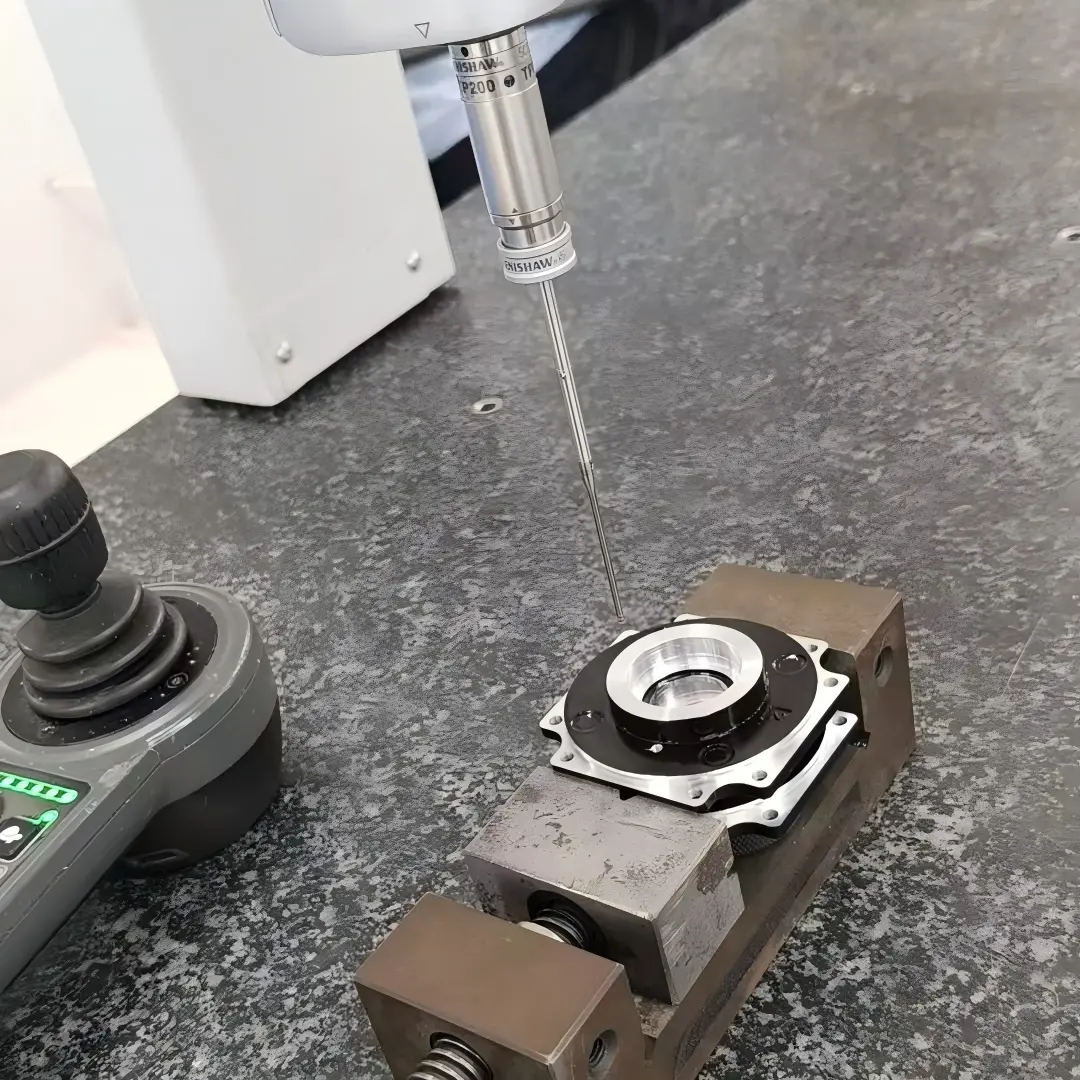
Process documentation and handoff notes
The handoff should identify the released program, machine configuration, control reference, postprocessor and setup revision. Include the expected units, work offsets, tool data and verification record. If special auxiliary commands are used, document their machine specific purpose and any required physical confirmations.
Preserve subprogram dependencies and entry and exit assumptions. A file that runs correctly only after another program establishes its modes needs that dependency resolved or explicitly controlled. Editing a single code can require a broader review where modal state or sequencing carries its effect beyond the changed block.
For components involving both turning operations and milling, keep programs and setup references associated with the correct machine process. Do not merge conventions merely because both use G and M words. The final record should make clear which geometry is produced in each setup, what evidence approves it and which changes require renewed verification.
Retain the approved revision after any machine side edits. A later rerun from an older source can reintroduce the very modal or auxiliary sequencing problem corrected during prove out previously.
FAQ
Are G codes for movement and M codes for everything else?
That is an oversimplification. G codes commonly include motion and machining modes, but not every G code directly commands a movement. M codes commonly control auxiliary or program functions, whose exact behavior is machine specific. Use the applicable controller manual to determine purpose, parameters and persistence. The letter is a useful organizational clue, not a complete specification of physical behavior or a reliable basis for transferring a command to a different machine type.
Can a program be copied between controllers if the codes look the same?
Only after a compatibility review and appropriate verification. Identical code text can rely on different options, offsets, cycles, auxiliary sequencing or machine builder functions. A program may also assume a state established by another file or setup. Confirm the actual configuration, postprocessor and manual, then verify the released output with the intended tooling and fixture. Successful file loading or syntax checking is not evidence that all motion and physical functions will behave as intended.
Does an M code reset the active G code modes?
Do not assume so. The effect depends on the specific command and controller. Many auxiliary actions do not cancel the positioning, feed or compensation state that later motion inherits, while other program actions may have documented effects. Trace the modes using the actual manual and approved programming practice. At stops, subprogram returns and restart points, establish which state is guaranteed rather than inferring a reset from the fact that an M code occurred.
Conclusion
Use G and M as a starting classification, then review the actual function, persistence and timing of every relevant command. Motion interpretation and auxiliary actions work together, so a correct path alone cannot establish a correct manufacturing operation. The actual controller and machine configuration define the meaning.
Track inherited state through edits, subprograms and restart points. Keep calculations, command interpretation, simulation and first part measurements as complementary evidence rather than interchangeable checks. For a new component, send the drawing, material and critical geometry for quotation. A clear finished part specification lets the machine specific process be developed and verified against an observable manufacturing target instead of an unqualified universal code list.
{“@context”: “https://schema.org”, “@type”: “FAQPage”, “mainEntity”: [{“@type”: “Question”, “name”: “Are G codes for movement and M codes for everything else?”, “acceptedAnswer”: {“@type”: “Answer”, “text”: “That is an oversimplification. G codes commonly include motion and machining modes, but not every G code directly commands a movement. M codes commonly control auxiliary or program functions, whose exact behavior is machine specific. Use the applicable controller manual to determine purpose, parameters and persistence. The letter is a useful organizational clue, not a complete specification of physical behavior or a reliable basis for transferring a command to a different machine type.”}}, {“@type”: “Question”, “name”: “Can a program be copied between controllers if the codes look the same?”, “acceptedAnswer”: {“@type”: “Answer”, “text”: “Only after a compatibility review and appropriate verification. Identical code text can rely on different options, offsets, cycles, auxiliary sequencing or machine builder functions. A program may also assume a state established by another file or setup. Confirm the actual configuration, postprocessor and manual, then verify the released output with the intended tooling and fixture. Successful file loading or syntax checking is not evidence that all motion and physical functions will behave as intended.”}}, {“@type”: “Question”, “name”: “Does an M code reset the active G code modes?”, “acceptedAnswer”: {“@type”: “Answer”, “text”: “Do not assume so. The effect depends on the specific command and controller. Many auxiliary actions do not cancel the positioning, feed or compensation state that later motion inherits, while other program actions may have documented effects. Trace the modes using the actual manual and approved programming practice. At stops, subprogram returns and restart points, establish which state is guaranteed rather than inferring a reset from the fact that an M code occurred.”}}]}